

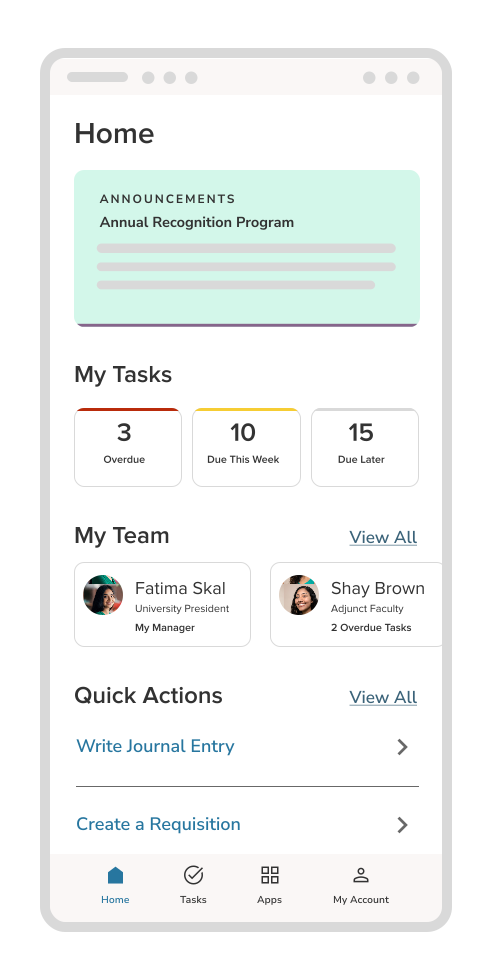
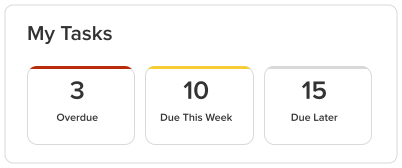
Review tasks, approve requests, and keep HR work moving from one mobile dashboard.
- View prioritized tasks
- Approve performance reviews
- Access and manage training activities
- Manage employee benefits
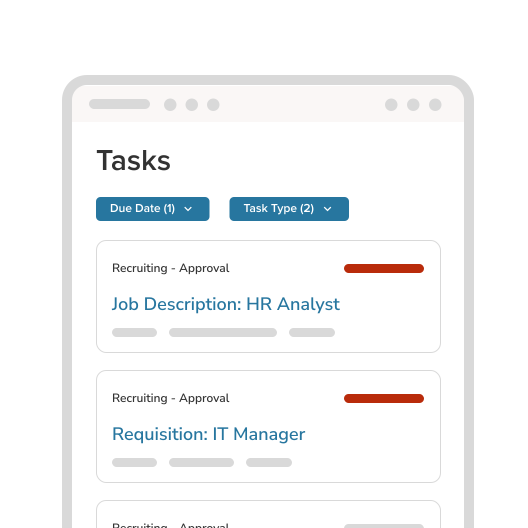



Download the mobile app today to take the NEOED platform with you wherever you go.

Connect with us to see how NEOED helps solve the top challenges of institutions like yours.
Review tasks, approve requests, and keep HR work moving from one mobile dashboard.
Send timely announcements and reminders through push notifications.
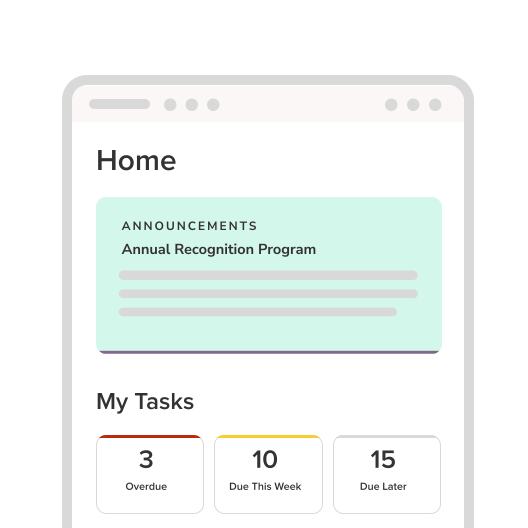
Reduce time to hire by quickly viewing and taking action on requisitions, and empower new employees by giving them the ability to easily complete onboarding tasks.
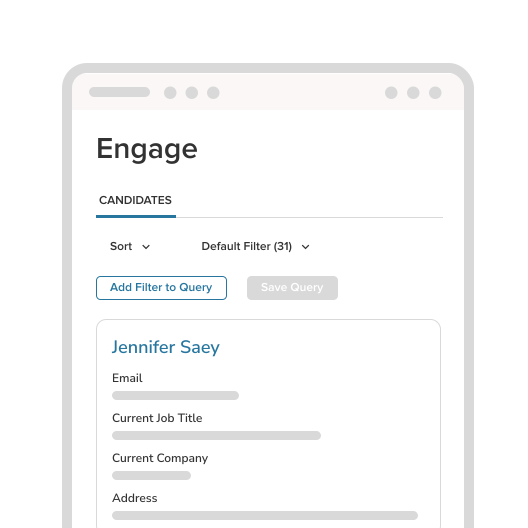
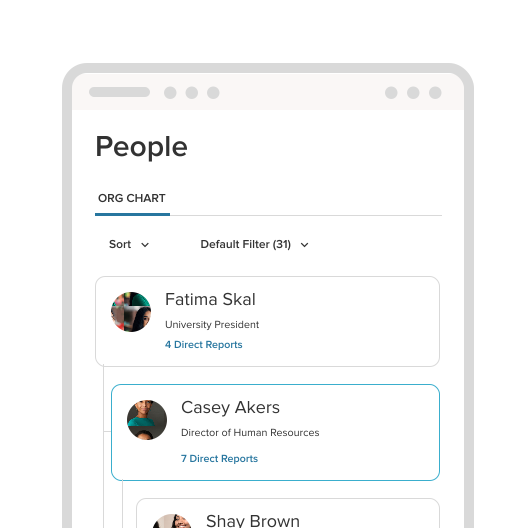
Keep your team connected and organized no matter where you are.
The NEOED App is available on the Apple App Store or Google Play Store.
Step-by-Step Instructions:
The NEOED mobile app is compatible with both iOS (iPhone) and Android devices. Get it now on the Apple App Store or Google Play Store.
Yes, the app is free to download for all employees and administrators whose educational institutions utilize NEOED and choose to enable the app.
Yes, the app is directly tied to each college or university’s NEOED platform. Users will need to log in using the same credentials as the desktop app, and will then have access to the same products on their mobile phone.
Unlike corporate roles, education professionals are highly mobile. Campus security, maintenance staff, and higher-ed faculty rarely spend their whole day at a computer. A mobile app ensures all employees have equal access to institutional resources, compliance training, and communication, dramatically improving retention and compliance tracking.
The NEOED mobile app shifts the workload to true self-service. When employees can complete onboarding checklists, finish compliance training, and fill out electronic forms directly on their phones, HR spends less time chasing paperwork, sending email reminders, or manually entering data.
Yes. Hiring managers can review requisitions and rate candidates the second an application comes in. Removing the "desktop bottleneck" means your college or university can extend offers faster than competing institutions.
Yes. Any action taken on the mobile app — like completing a training module or approving a requisition — is instantly updated and reflected on the NEOED desktop platform, so your entire campus stays synced.
If your institution has NEOED Onboard, new hires can fill out critical HR forms, complete compliance checklists, and even submit exit interviews directly from their phone.
Yes, the app uses push notifications to instantly alert employees about urgent HR announcements. Your administrator can set these alerts.
Yes. If your institution has NEOED Insight, administrators can create, review, and approve requisitions, track applicant progress, and filter candidates while away from their desks.
For customers with NEOED Perform, managers can view employee profiles, track goal progress, add training notes to evaluations, and officially approve performance reviews directly within the app.
Employees log in using the same credentials they use for their institutional desktop portal, supporting seamless integration and access management.
Generic HR apps are built for standard 9-to-5 corporate structures. NEOED’s mobile app is engineered from the ground up to support the complex, process-driven workflows unique to education — such as tracking specialized compliance credentials, managing academic hiring requisitions, and supporting specific higher-ed evaluation cycles.
Zero ongoing maintenance from your internal IT team. NEOED is a fully managed SaaS platform, so all security patches, monthly automatic updates, and FedRAMP compliance standards are handled entirely on our end.
NEOED (backed by NEOGOV) ensures enterprise-grade data security, including data encryption in transit and FedRAMP compliance, maintaining the same rigorous data privacy protocols as the desktop suite.